

If you access PlayLive from South Africa, the mobile setup starts in the browser. There is no confirmed PlayLive APK, Google Play app, or App Store version. You open the casino through Chrome, Safari, or another modern mobile browser.
PlayLive works on Android phones, Android tablets, iPhone, and iPad. The mobile site replaces a native app by giving you access to games, bonuses, payments, and support without using device storage.
PlayLive Mobile Access on Android
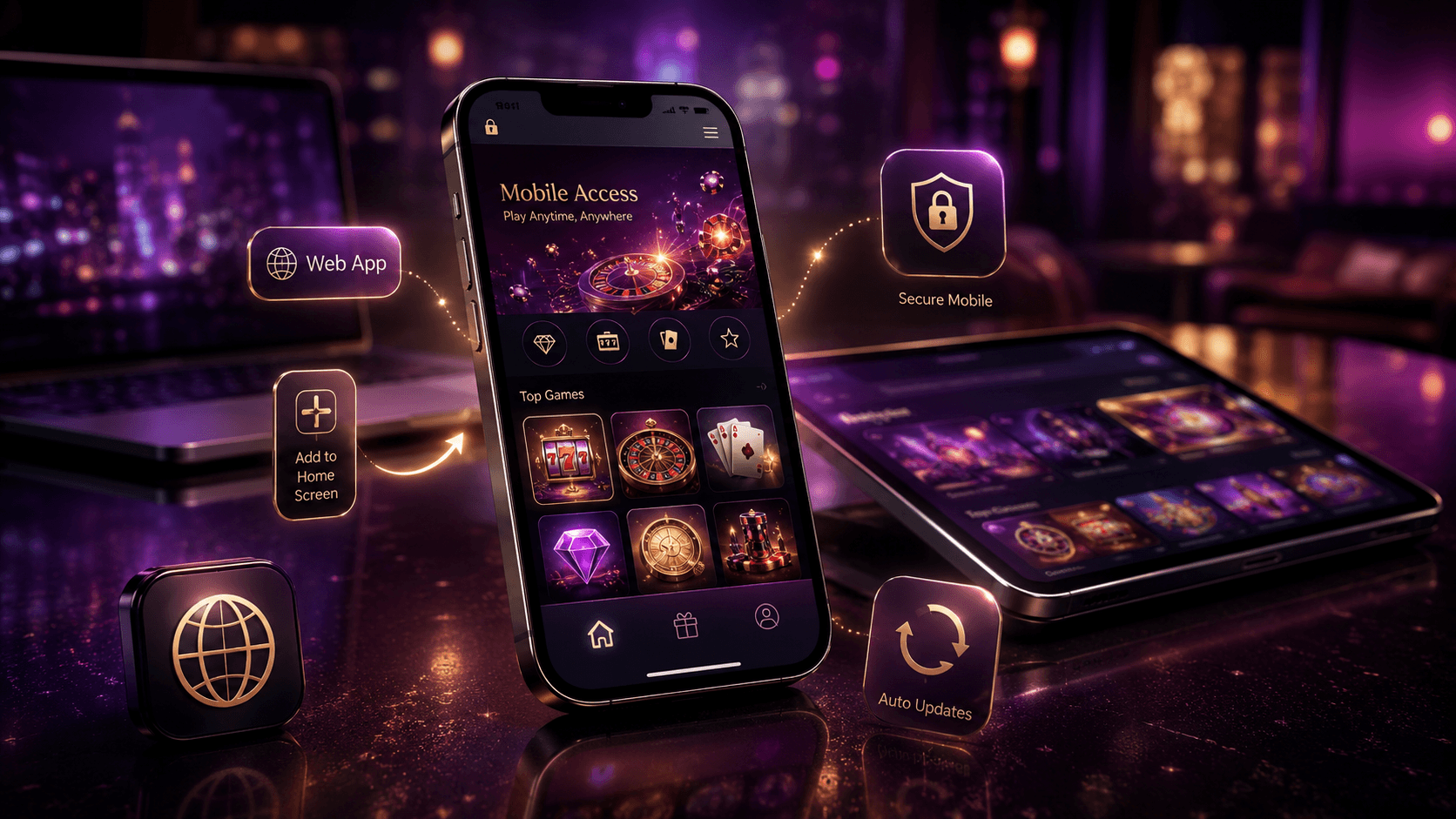
Android users accessing PlayLive in South Africa can open the casino through a mobile browser without downloading an APK or installing anything from Google Play. This lowers the risk of:
- unknown files
- fake app pages
- unnecessary device permissions
PlayLive runs from the official website, so the mobile version loads once your browser opens the site. You do not need extra storage space, manual updates, or app settings. Check the PlayLive URL before entering your login details.
How to Open PlayLive on Android?
Open PlayLive on Android through a trusted browser and skip unofficial download pages. Use these steps:
- open Chrome or another trusted mobile browser
- go to the official PlayLive website
- log in or create your account
- open the casino section and start playing
Do not download APK files from third party pages claiming to offer PlayLive. There is no official Android app, so any PlayLive APK page should be treated with caution.
Save PlayLive to Android Home Screen
You can save PlayLive as a shortcut on your Android home screen through Chrome. This gives you quicker access without adding an app to your device:
- open the PlayLive website in Chrome
- tap the browser menu in the top corner
- select Add to Home Screen
- confirm the shortcut name
- save it
The shortcut opens the PlayLive mobile site from your screen. It is not a native app, so nothing is installed on your phone.
Compatible Android Phones and Tablets
PlayLive works on Android phones and tablets that can run a modern mobile browser. For smoother mobile access, use:
- Chrome
- another updated mobile browser
Since PlayLive does not install anything, there is no APK storage requirement and no fixed minimum RAM rule. A stable internet connection matters more than device power, especially when your session switches between WiFi and mobile data in South Africa.
PlayLive Mobile Access on iOS
There is no App Store version of PlayLive for iPhone or iPad. You access the casino through Safari or another browser instead. South African players who prefer to keep casino access inside the browser can use PlayLive before making deposits or playing. PlayLive loads through the website, keeps updates automatic, and lets you return with a home screen shortcut. The experience is close to an app, but it stays inside the browser.
Open PlayLive on iPhone and iPad
PlayLive opens through Safari on iPhone and iPad. You can start from the browser without using the App Store:
- open Safari
- type the official PlayLive website address into the browser
- wait for the mobile site to load
- log in or register
- open the casino lobby
This gives you PlayLive access without downloading anything to your iOS device.
Save PlayLive to iOS Home Screen
You can add PlayLive to your iPhone or iPad home screen through Safari. The shortcut works like a quick access icon:
- open PlayLive in Safari
- tap the Share icon
- select Add to Home Screen
- check the shortcut name
- tap Add
The icon will appear on your iPhone or iPad home screen. It opens the PlayLive mobile website, not a native iOS app.
Compatible iOS Devices for PlayLive
PlayLive works on iOS devices that support modern browser access. This includes:
- iPhone models with Safari access
- iPad models with Safari access
No installation is required, so PlayLive does not take app storage. You only need browser access and a stable connection. This suits players who prefer keeping their iPhone free from extra casino apps.
How PlayLive Website Updates Work
PlayLive updates its mobile experience through the website. You do not need to reinstall anything, check app versions, or download update files. When PlayLive changes key mobile features, they appear the next time you open the site:
- games
- payment tools
- bonuses
- support features
This helps when a PlayLive session in South Africa moves between mobile data and WiFi during the day. Open the official PlayLive website and refresh the page if something looks outdated. Avoid saved links from unknown pages because they may not lead to the current PlayLive mobile site.
Advantages of the PlayLive Mobile Site
The PlayLive mobile site gives you fast access without the usual app friction. The main benefits are:
- no installation
- no APK download
- no app storage use
- automatic website updates
- one PlayLive login across supported devices
- access to games, bonuses, payments, and support
For mobile first casino use in South Africa, this PlayLive setup keeps the main account tools in one browser session. Browser access also reduces the risk of fake APK files. Open PlayLive from the official website only.
| Feature | PlayLive mobile browser | Native app |
|---|---|---|
| Download needed | No | Usually yes |
| Android APK needed | No | Sometimes |
| App Store access | No | Usually yes |
| Manual updates | No | Often needed |
| Storage use | Minimal browser cache | App storage required |
| Device support | Android, iPhone, iPad, tablets | Depends on app version |
| Access method | Official PlayLive website | Installed app |
The table shows the difference between the current PlayLive mobile setup and a native app. You get browser access without installation steps or manual update checks.
PlayLive Mobile Casino Games Library
PlayLive gives mobile players access to more than 2500 casino titles through the browser. The mobile lobby includes:
- slots
- live casino
- table games
- blackjack
- roulette
- tournaments
- instant games
When playing from South Africa, you can use the PlayLive mobile site to test games first, then switch to real money play after logging in. Demo mode is available where supported by the game. The provider list includes Pragmatic Play, Play’n GO, PGSoft, Betsoft, BGaming, Evoplay, Hacksaw, Playson, Spribe, Spinomenal, Novomatic, and others. PlayLive keeps the game library available through the website, so you do not need a separate casino app to open the main categories.
How PlayLive Keeps Mobile Access Secure
PlayLive uses the same serious protection approach on mobile as it does on desktop. Mobile protection includes:
- SSL encryption
- secure browser access
- data protection standards
- KYC checks
- AML checks
These controls matter in the South African betting market, where account checks and safe payment handling are part of normal online casino use. Enter account details only on the official PlayLive website. Check the URL before logging in, especially after clicking links from:
- messages
- search results
- social pages
PlayLive does not have an official APK or iOS app, so any download page asking for your details should be treated as unsafe. Keep your browser updated and avoid saving passwords on shared devices.
FAQ
What should I do if a PlayLive shortcut opens an old page?
Open the official PlayLive website directly in your browser and refresh the page. This helps you load the current mobile version instead of relying on an outdated saved link.
Should I trust a PlayLive download link from a message?
Treat it with caution, especially if it asks you to install an APK or enter account details. PlayLive mobile access works through the official website, so a download link is not needed.
Does PlayLive use more phone storage over time?
PlayLive does not install as an app, so it does not take normal app storage. Your browser may keep a small cache, but the casino itself runs through the website.
Is Safari enough for PlayLive on iPhone?
Yes, Safari is enough for PlayLive mobile access on iPhone and iPad. You only need the official website, a stable connection, and a device that supports modern browser access.